

Turning Website Visits Into Leads · Practical visibility
Website Accessibility: Can Every Customer Contact You?
Can customers operate your contact form? Check keyboard access, clear labels, helpful errors, and confirmation as part of a practical accessibility review.
All The Buzz Marketing · November 8, 2026
A contact form is not doing its job if some customers cannot operate it. Before adding more fields, popups, or personalization, check whether someone can understand, complete, correct, and submit an inquiry with the tools they use.
Review the whole contact task
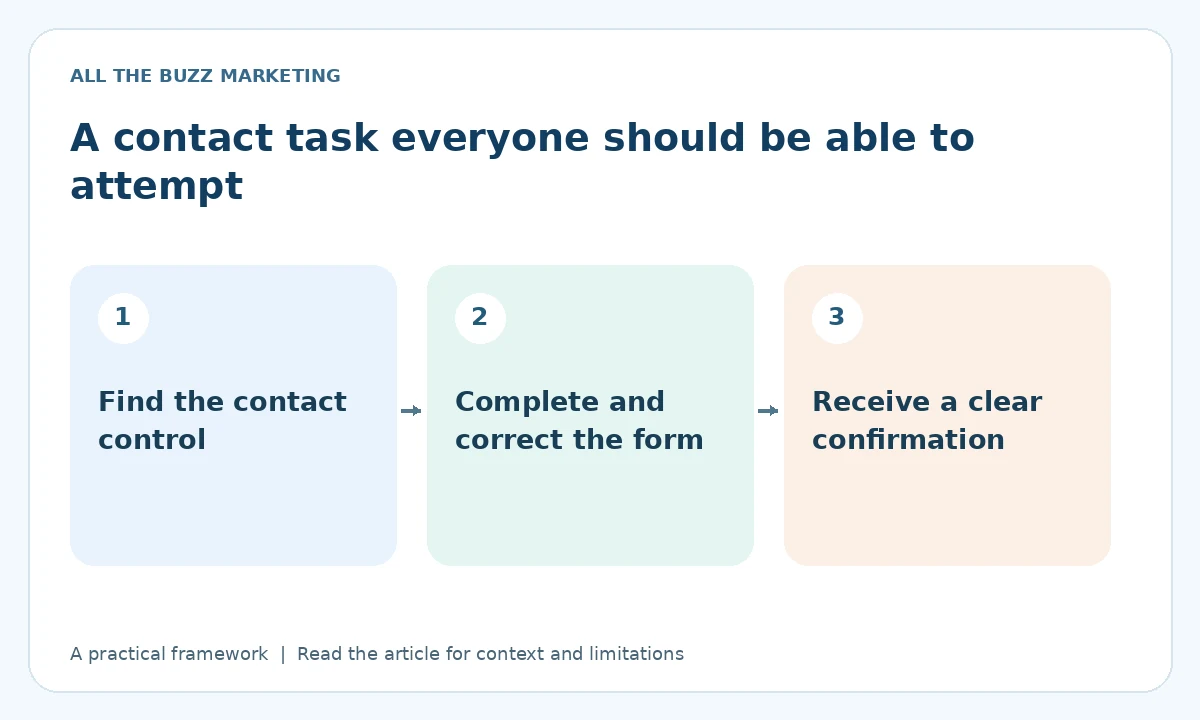
A website accessibility audit should look beyond whether a page loads or an automated tool returns a pleasing score. For lead generation, start with a concrete task: a visitor finds a service, opens the contact option, enters the necessary details, corrects a mistake, and receives confirmation.
This article is a practical usability check, not a statement of legal compliance or a substitute for a full accessibility evaluation. Automated scans can identify some problems. Manual testing and feedback from people using assistive technology can reveal barriers the scan does not capture.
Try the journey without a mouse
Use the keyboard to move through links and controls. Confirm that the current focus is visible, that the order makes sense, and that the contact button opens something usable. If a dialog appears, check that the keyboard reaches its fields, that it can be closed, and that the visitor can continue afterward.
Do not assume that a visually small close icon has an understandable name. Likewise, a decorative card that looks like a button may not behave like one. Ask a developer to investigate controls that cannot be reached or operated. Start with the actual customer task rather than changing every technical detail at once.
Keep instructions visible and connected
People should not have to remember a placeholder after they start typing. Give fields clear labels, distinguish required information, and explain unusual formats before submission. A field requesting a website address should make clear whether it is optional when the prospect does not yet have a site.
W3C's forms guidance describes associated labels, instructions, input validation, and success or error notifications. The purpose is to help people complete the task. Apply those principles with appropriate HTML and accessible behavior, rather than relying only on visual styling.
Make mistakes recoverable
Deliberately submit a harmless test with a required field blank on a controlled test flow. Does the form explain what needs correcting? Can the visitor find the field? Is previously entered information retained where appropriate? An unexplained red border may leave someone unable to continue.
Check spam protection too. A challenge that is difficult to perceive or operate can become a barrier. Assess accessible alternatives and server-side protection with your developer. Removing all protection is not a sound shortcut, especially if it exposes the team to large volumes of junk inquiries.
Confirm success in plain language
After submission, customers need to know whether the request was received and what happens next. A moving spinner is not a confirmation. Test the visible result, notification delivery, and the team's follow-up process with an appropriately labeled test inquiry.
For the broader journey, use the website conversion checklist. If traffic exists but suitable inquiries remain scarce, review the traffic-without-leads diagnosis before assuming that accessibility is the only cause.
Prioritize barriers that stop a customer
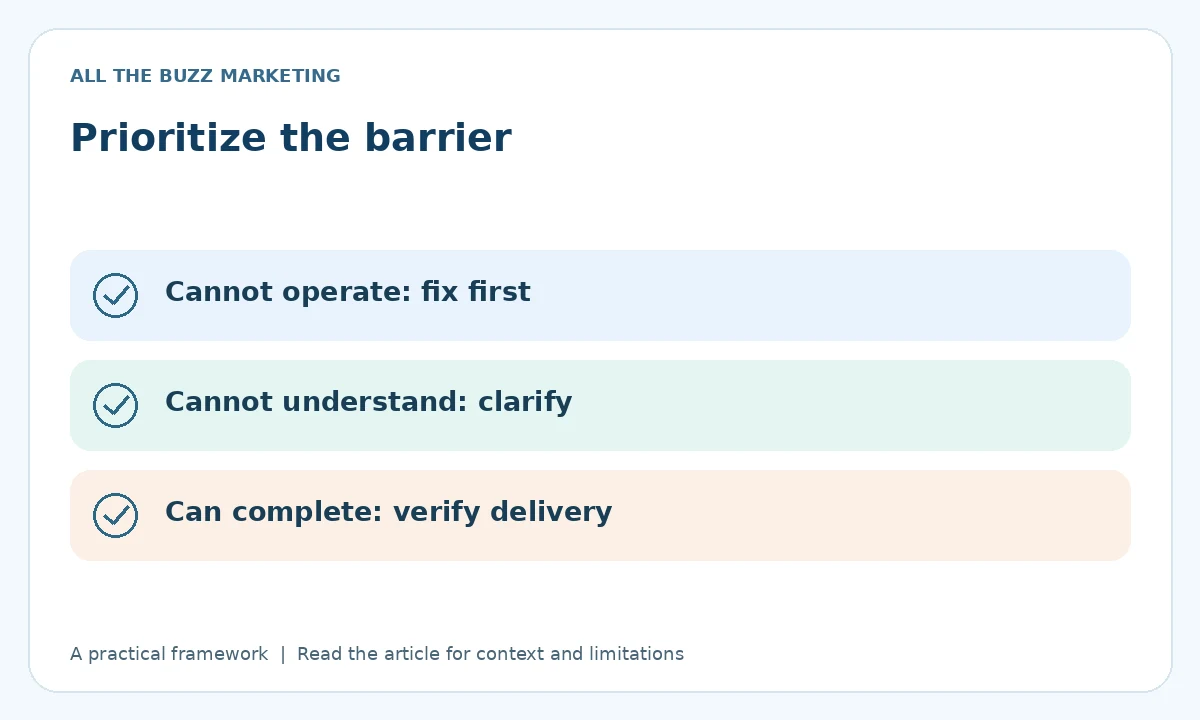
Fix an unusable contact control before experimenting with a different button color. Record the affected task, device, test method, and observed failure. Recheck the same task after the change. Then broaden the review across the site and include real user feedback where feasible.
A usable contact path supports website conversion by giving more people a fair opportunity to inquire. It cannot guarantee more leads, but it removes avoidable friction from the opportunity you already have.
Turn visibility into a clear next step
Could customers be getting stuck before they contact you? Request a Free Visibility Audit to identify practical website and inquiry-path priorities, including obvious usability barriers.
Request Your Free Visibility Audit
No obligation. Ask about current availability.
Explore more turning website visits into leads insights or learn how the five-step visibility system works.
Illustrative artwork created for this article. It does not depict a client project or measured business result.