

Showing Up on Google Maps · Practical visibility
Google Business Profile Services: Show What You Do
Clarify Google Business Profile services with truthful names, useful descriptions, and matching website pages. Help customers understand the work you offer.
All The Buzz Marketing · November 8, 2026
Your business category tells a customer what kind of company you are. Your service details can help them decide whether you do the specific job they need. A clear service list should answer that question without turning your profile into a pile of search phrases.
Start with the services you actually want to provide
Write down the work the business currently offers, then identify which items deserve their own explanation. A customer may understand “water heater replacement” more readily than a broad phrase such as “residential solutions.” Use the language of the job, while keeping the description accurate.
Google says eligible Business Profiles can add suggested or custom services and, where available, service details. Options vary by category. A listed service may be highlighted when someone searches for it. This does not mean every service becomes a ranking keyword or that completing the field guarantees placement.
Keep categories and service names in their proper roles
A category describes the type of business. A service describes an offering. Adding more service names is not a reason to select unrelated categories. If the underlying category is wrong, begin with the business category guide.
Where the current interface offers suggested services, choose those that genuinely apply. If a custom service is appropriate, name it plainly. Google specifically warns against unsuitable custom names, including phone numbers and prices. Put additional details in their intended fields instead of trying to fit everything into the service name.
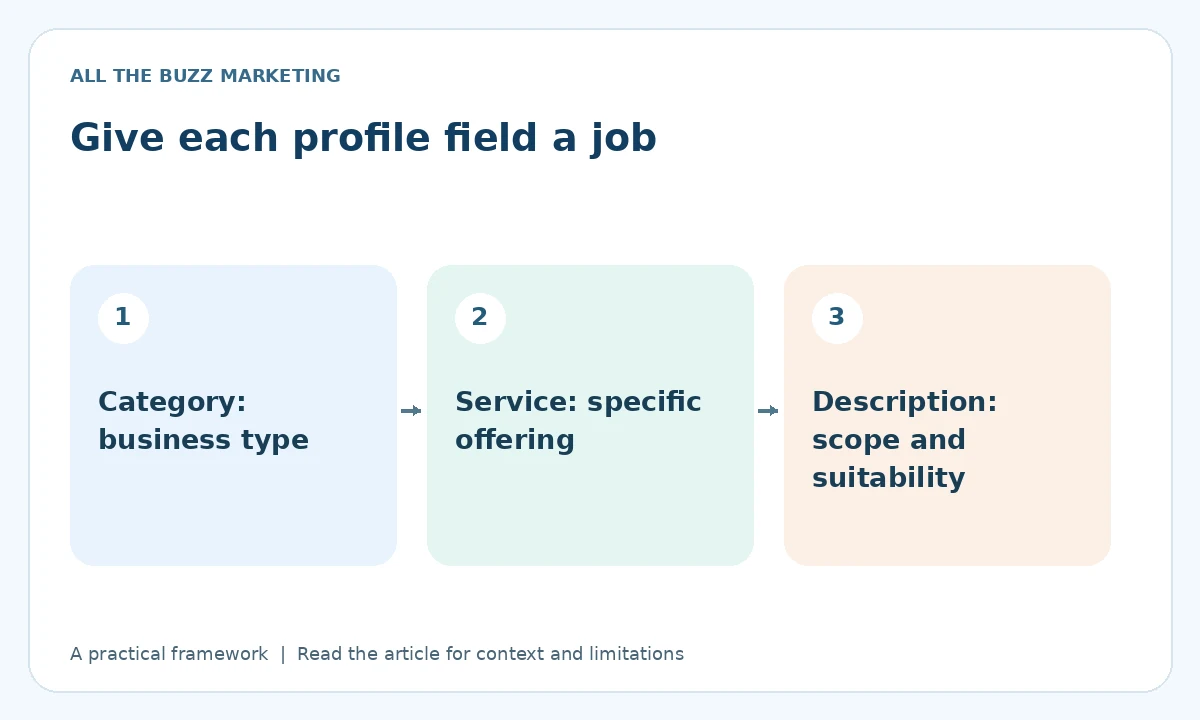
Write descriptions that help a customer qualify the job
A useful description explains what the service covers and any important boundary. It can identify the type of customer or property when that distinction matters. Avoid an unsupported superlative or a list of towns that obscures the offering.
For example, a hypothetical electrical contractor could explain that a panel assessment checks the existing setup before a replacement recommendation. It should not promise that every home needs an upgrade or imply that a short profile description is a technical assessment.
- Use a real offering customers can request.
- Describe the scope in ordinary language.
- Remove discontinued or misleading items.
- Check any displayed price or condition for accuracy.
- Review the corresponding website page and contact route.
Connect the profile with a useful website
The profile and website should describe the same business. If the profile offers a specialized service but the destination page only says “contact us for everything,” the customer still has to do the detective work. Create a clear explanation where the service merits a page, and link related information naturally within the website.
Use the service-page SEO checklist to review that destination. Our Google Maps visibility approach considers the profile and the supporting customer experience together.
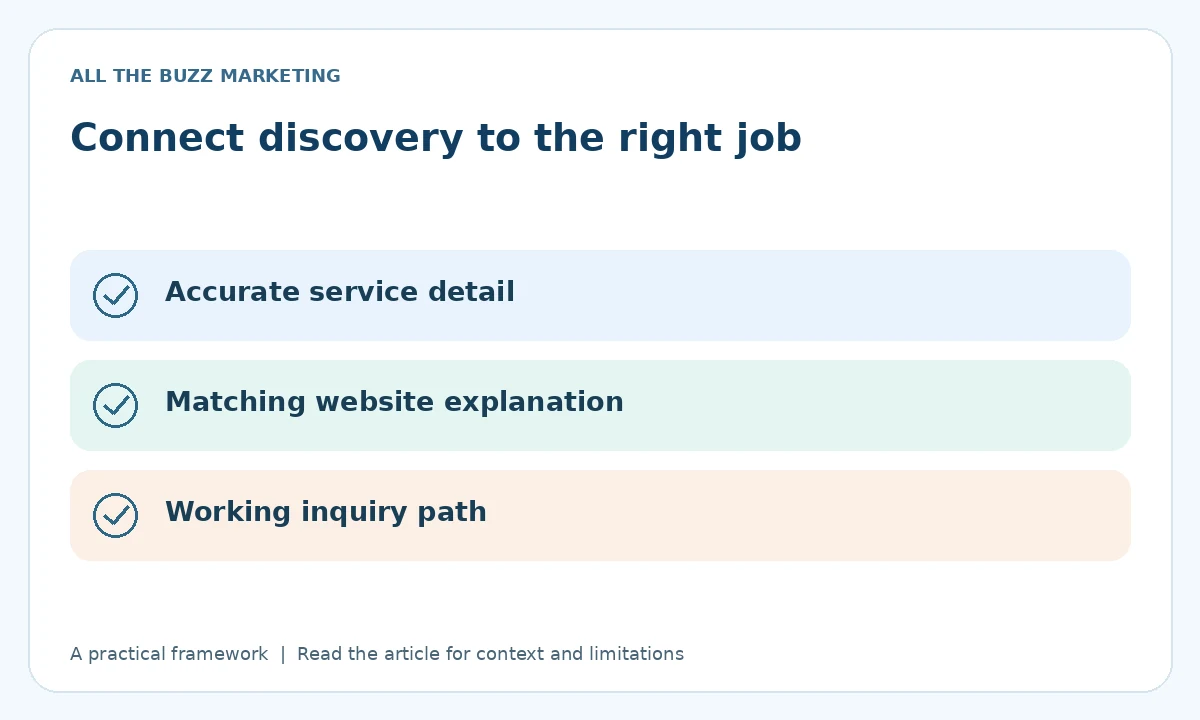
Review inquiries, not just completed fields
Keep a dated record of significant profile edits. Ask the team whether customers understand the offering and whether the inquiries fit the business. Review profile and website measurements where available, but do not assign a lead to one edited service field without supporting evidence.
Service details are one part of a complete profile. Accurate business information, a legitimate operating model, and a usable contact path still matter. Finish with the Google Business Profile checklist so that the new service list does not distract from a broken phone number or booking link.
Turn visibility into a clear next step
Does your profile explain the work you want more of? Request a Free Visibility Audit to review your Google Maps presence, service information, and inquiry destinations.
Request Your Free Visibility Audit
No obligation. Ask about current availability.
Explore more showing up on google maps insights or learn how the five-step visibility system works.
Illustrative artwork created for this article. It does not depict a client project or measured business result.