


Local Business Visibility & Service-Area SEO
Service-Area Pages: Help Local Customers Know You Work Near Them
Make your services and coverage easy to understand, with useful location pages that help nearby customers decide to contact you.
Can Customers Tell Where Your Business Works?
A nearby customer finds your website and likes what you offer. Before asking for a quote, they need one simple answer: do you work in their area? If that answer is buried, they may choose a business that makes its coverage clearer.
Service-area pages can help answer that question. A useful page explains which services you provide in a particular place, offers relevant examples, and makes contacting you straightforward. It supports local business visibility by connecting the service a customer needs with the area you actually cover.
Think of someone searching for “house cleaning in my area” or “a painter serving my neighborhood.” They are trying to find a suitable provider, not read a list of towns. Your local SEO content should help them confirm the fit.
The Local SEO Guide explains the broader foundation. Here, the focus is narrower: when a service-area page earns its place on your website and what it should help customers understand.
A Location Name Is a Starting Point, Not the Whole Page
Build each page around what you can genuinely explain about serving that area. Include the relevant services, accurate coverage limits, and a real project example when you have one. A specific detail is more useful than repeating the town name in every paragraph.
For example, a painting business might describe an exterior project completed nearby and explain which types of work it offers there. Only claim experience you can support. Clear service-area information belongs within a connected local SEO foundation, alongside your service pages and business details.

Questions About Service-Area Pages and Local SEO
Do I need a service-area page for every city I serve?
Not automatically. Create a separate page when it can answer meaningful questions about that place. A clear coverage page may be enough for a small area. Expand when you have useful service details, customer questions, or examples to add, rather than a target number of pages.
What should a local service-area page include?
Explain the services available, the places covered, and how to request help. Add relevant project examples and genuine customer questions when available. If availability or travel arrangements differ by area, say so. Help the reader decide whether your business can handle their need.
Can I copy the same page and change the city name?
That usually adds little value for the customer. Google’s doorway-abuse policy includes substantially similar pages and city-targeted pages that funnel people to another destination. Make each page useful on its own, with accurate information that justifies a separate page. Read Google’s doorway-abuse guidance.
Will adding service areas make me rank across every nearby town?
Listing an area is not a promise of placement. Google says local results depend mainly on relevance, distance, and prominence. A useful website page and an accurate profile can explain your coverage, but they do not erase the distance factor or guarantee local rankings. See Google’s local-ranking guidance.
Should a service-area business show its address on Google?
Google says businesses that do not serve customers at their business address should remove that address from their Business Profile and show their service area instead. Website coverage pages should also describe the business accurately. The Google Business Profile Guide covers profile basics.
How do I know whether my location pages bring leads?
Review which pages receive relevant search visits, then track the inquiries you can connect to those visits. Ask customers where the work is needed. Keep calls, submitted requests, and booked work separate. A rise in visits is useful context, but qualified inquiries tell you more about whether the page helps the right people.
Connect Local Discovery With a Clear Next Step
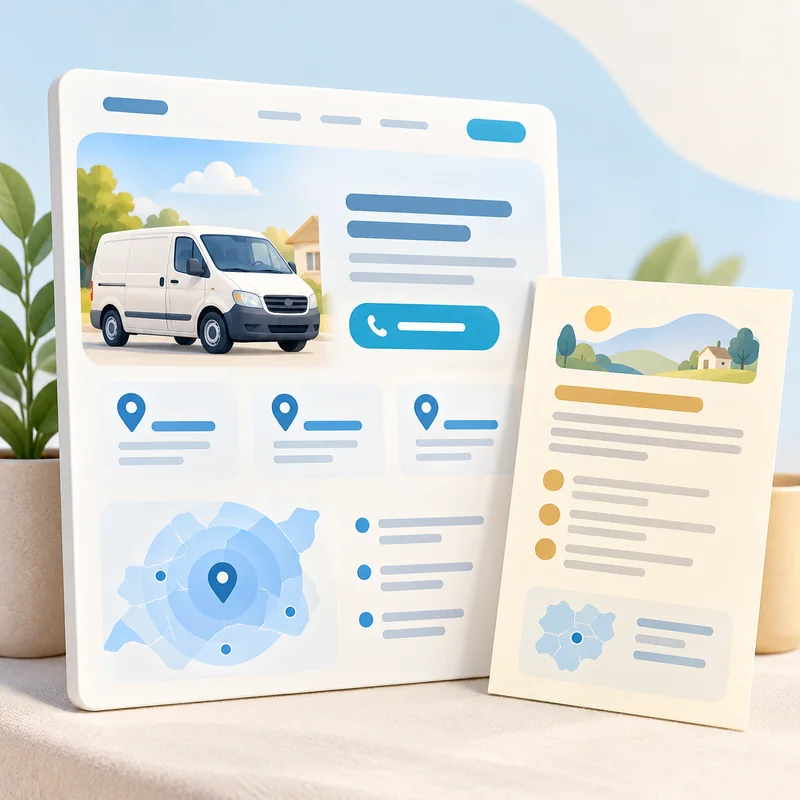
Once someone confirms you serve their area, help them move forward. Link to the relevant service, explain what a quote request involves, and make the contact option easy to find. A service-area page should feel like part of the business website, with a clear path to the information the customer needs.
Keep coverage information aligned with your current business operations and profile. Google’s service-area guidance emphasizes accuracy. Then check the contact experience itself: the Website Conversion System connects discovery with customer inquiries.
Build Local Visibility Around the Places You Actually Serve
Start with the customer’s question: can this business help me here? A strong service-area page answers it with relevant services, truthful coverage, and useful examples. That gives the reader more confidence in the next step.
As your website grows, make each location page earn its place. Connect it to the right service and keep it current. For examples of how search visibility relates to business outcomes, explore the case studies.